
Generated video example
TWO PHOTOS. ONE NIGHTCLUB MOMENT.
La Tormenta de Arena AI Video Generator
You on the balcony.
Them in the spotlight.
An online AI video tool for your version of the viral TikTok trend.
Upload two photos: one person watches from a nightclub balcony, while the other is revealed on the dance floor. Your photos, built-in prompts, and reference scene photos guide the scene.
No Sign-Up Required · No CapCut Needed
Email Notification When Ready · Optional delivery emailTWO PHOTOS. YOUR NIGHTCLUB SCENE.
Generated Video Example · Couple
THE CREATION STUDIO
Create Your Video
Upload two photos and assign the roles. No sign-up required.
Vertical video · MP4 download
Your photos and video are private.
YOUR TAKE ON THE SCENE
Make it yours Video Examples
Watch a real generated couple video, from the balcony to the dance floor.
Generated video example
Example 2
Generated video example
Example 3
THE BALCONY-TO-SPOTLIGHT MOMENT
What Is the La Tormenta de Arena AI Trend?
The trend recreates a dramatic nightclub moment: one person watches from a balcony, the camera switches toward the dance floor, and a spotlight reveals the second person.
You may find the same scene under La Tormenta de Arena or Te He Perdido Entre La Gente, and in edits associated with Three Steps Above Heaven, also known by its Spanish title Tres Metros Sobre El Cielo.
This AI version is designed to put your two chosen people into that scene using two photos, prompts, and reference scene photos. You do not need to recreate the edit yourself.
FROM TWO PHOTOS TO YOUR SCENE
How to Make the La Tormenta de Arena AI Video
Create in your browser without CapCut, filming, or manual video editing.
01
Upload Two Photos
Choose Photo 1 for the balcony person and Photo 2 for the dance-floor person. Swap roles if needed, then confirm the photo rules. Both photos go through safety checks before checkout.
02
Review & Submit Your Order
Choose an available quality and review its current price before a one-time guest payment. Built-in prompts and reference scene photos guide generation with your two photos.
03
Get Notified & Download
AI generation begins after confirmed payment. Check progress, play your finished video, and download it in My Orders. Add an optional delivery email to receive a notification when it is ready.
CHOOSE YOUR ROLES
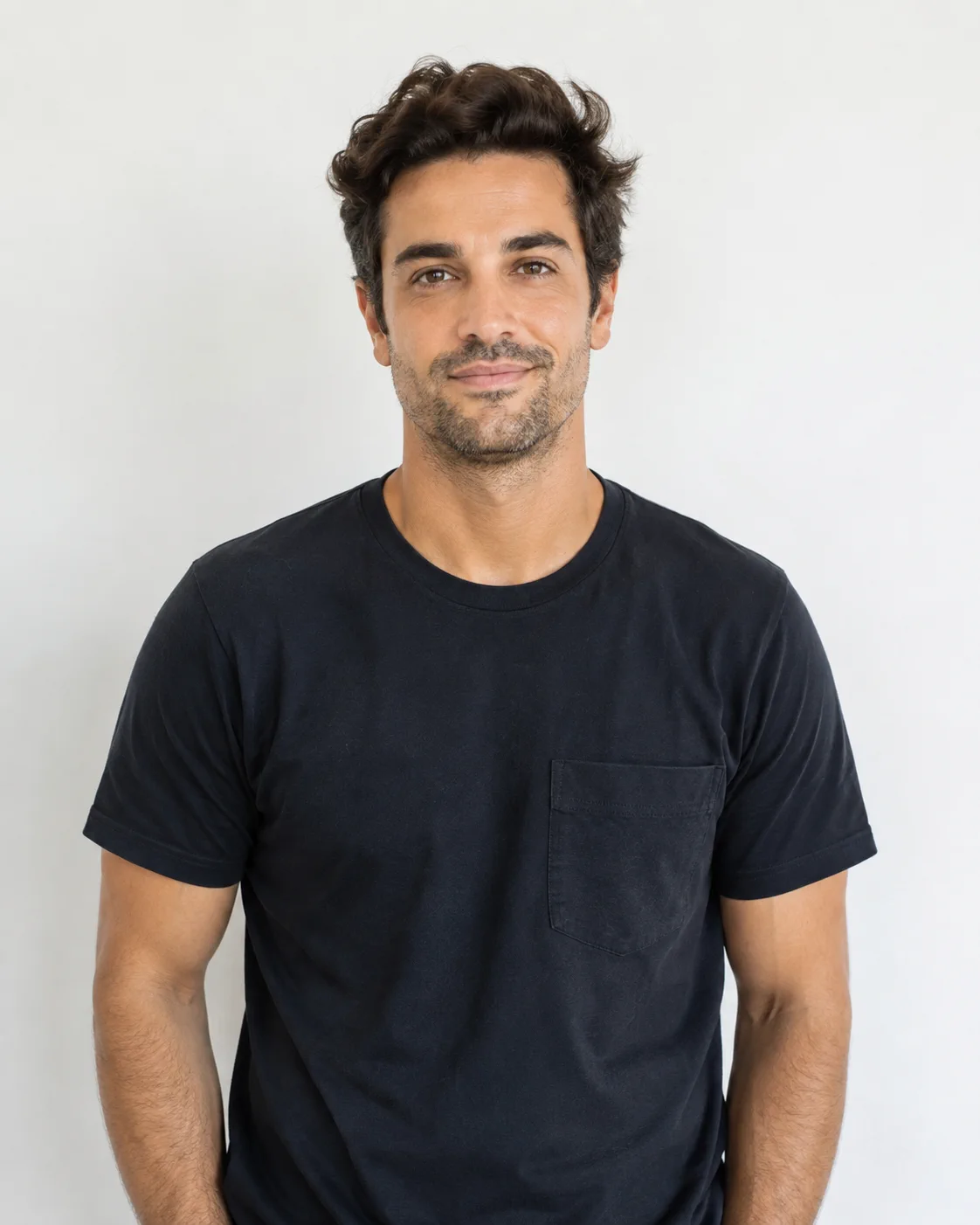 Photo 1 · Balcony Person
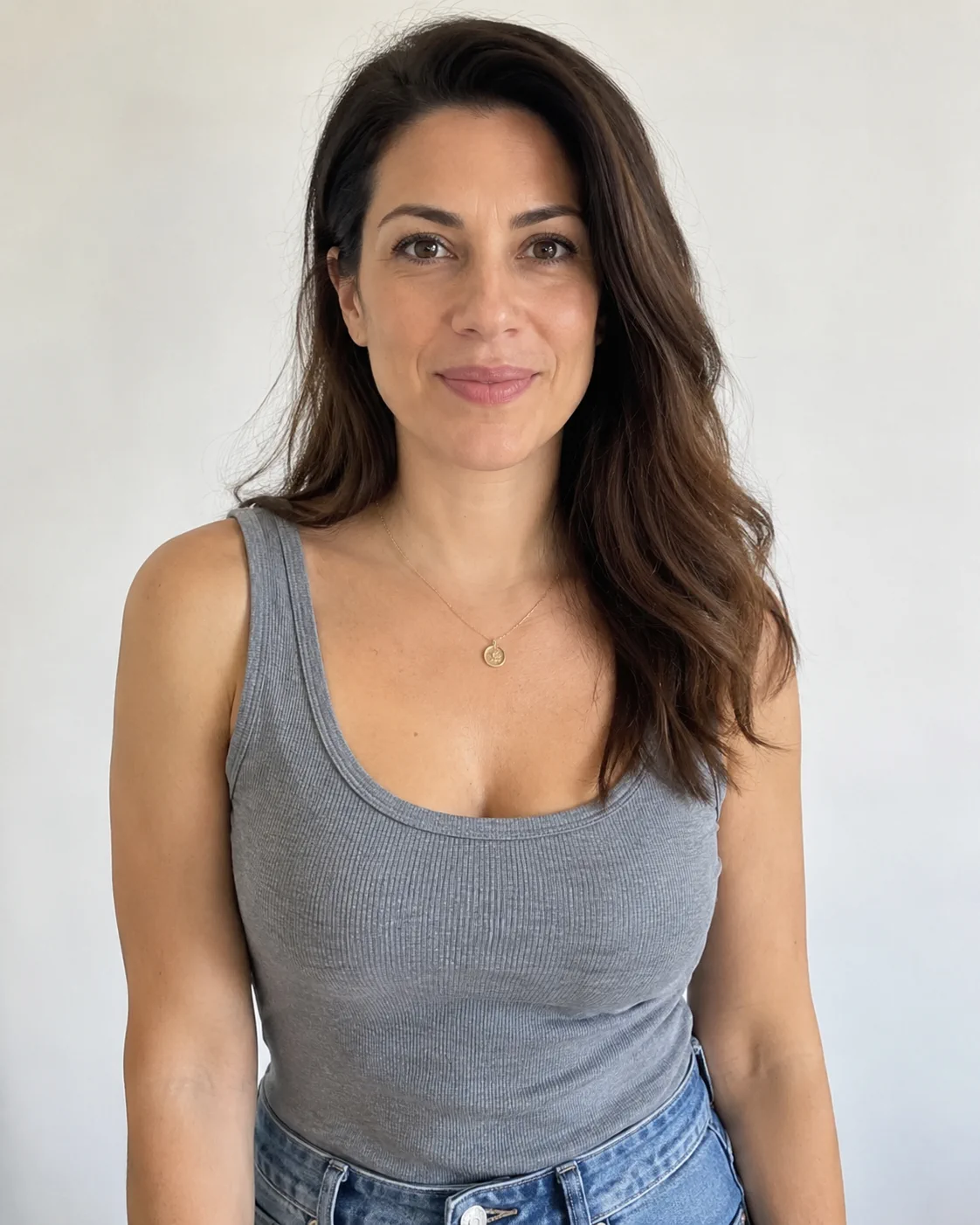 Photo 2 · Dance Floor Person
CREATE THE TREND YOUR WAY
Two People. Two Roles. Your Scene.
Couples, friends, and a spotlight reveal.
Use a photo of yourself and a consenting adult partner or friend. Pick who watches from the balcony and who appears under the dance-floor spotlight; swap the photos before submitting.
Use the generator in a desktop or mobile browser. The output is a vertical MP4; available quality options and prices appear in the generator before checkout.
Two-person inputRole swappingMobile browser uploadsVertical MP4
GIVE BOTH PEOPLE A CLEAR START
Photo Tips for Your Two Uploads
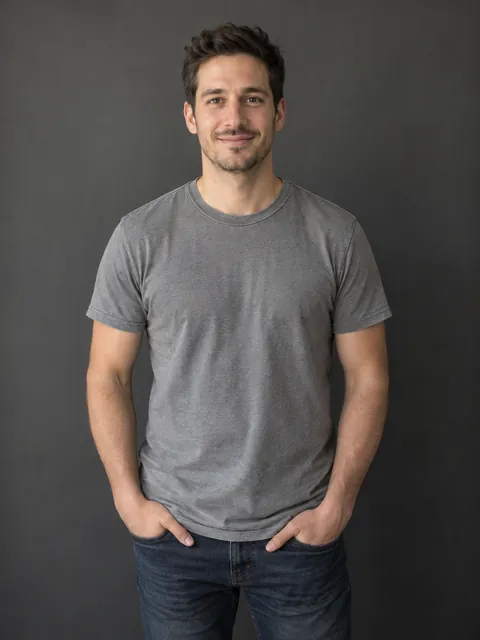
Good Photos
- One consenting adult in each photo
- Sharp image with a visible, front-facing face
- Even lighting without strong shadows
- Half-body or full-body photo with the outfit visible
- A clear selfie can work as input; wider framing gives more context
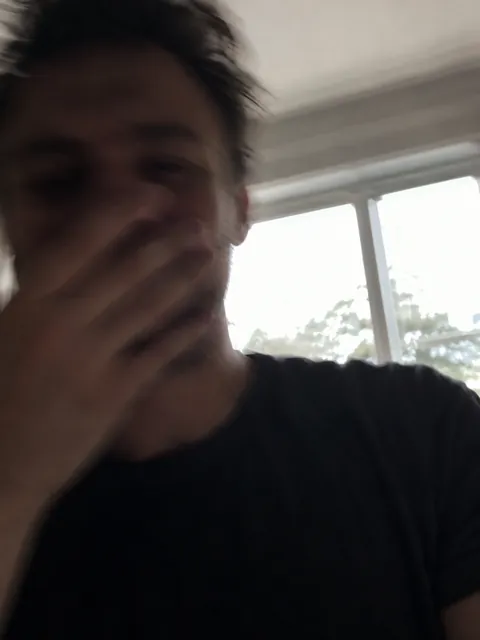
Avoid
- Blurry or very small images
- Sunglasses, hands, or objects covering the face
- Heavy filters or extreme camera angles
- Group photos or multiple faces
- Cropped faces, dark lighting, or strong backlight
Share Your Video on TikTok or Instagram
Download your completed MP4, then add it to a new TikTok post or Instagram Reel.
Your video includes original sound. Adjust the volume, add a caption, and choose a cover before posting.
Music availability and permitted use depend on your region, account, and the platform’s terms.
Does My Video Include Sound?
Yes. Every 15-second video includes the original sound, ready to play and download with your video.
You can adjust or replace the audio when sharing in TikTok or Instagram. Music availability and permitted use depend on the platform and your account.
This independent AI video service is not affiliated with the film, artists, TikTok, or Instagram.
ONE VIDEO. ONE PAYMENT.
Simple, One-Time Pricing
No subscription or sign-up required.
Starter
480p
$6.90/video
- 15-second video
- Original sound included
- One-time payment
Creator
Recommended720p HD
$12.90/video
- 15-second video
- Original sound included
- One-time payment
Premium
1080p Full HD
$22.90/video
- 15-second video
- Original sound included
- One-time payment
A FEW THINGS TO KNOW
Frequently Asked Questions
Two photos. A few simple answers.
Explore the generatorWhere can I make a La Tormenta de Arena AI video with my own photos?
Use the online generator on this page. Choose one photo for the balcony and one for the dance floor, select your video quality, and confirm the photo rules before checkout.
Which website should I use for the viral TikTok trend?
La Tormenta de Arena AI creates this two-person nightclub scene from your photos. Watch the video examples, choose the balcony and dance-floor roles, and download your finished MP4 from My Orders.
What is the best AI tool for this trend?
The best fit depends on the scene, results, and workflow you want. This tool focuses on assigning two people to the balcony and spotlight roles, with no sign-up required and MP4 delivery. Watch the examples to see whether the style suits your idea.
How do I make the Te He Perdido Entre La Gente scene without CapCut?
Use the same two-photo generator. The built-in prompts and reference scene photos guide the nightclub scene, so you do not need to write prompts, find a CapCut template, or edit the camera transitions yourself.
Can I put myself and my partner into the video?
Yes, the generator accepts two person photos and lets you swap their roles before submitting. Use photos of yourself and another consenting adult, and follow the photo rules. AI likeness and movement can vary.
Can I use two selfies on my phone?
You can select both photos from your phone in a mobile browser. Use a clear, well-lit face in each image; half-body or full-body photos give more outfit and body context than tightly cropped selfies.
Is there a free generator, and how much does a video cost?
Starter (480p) is $6.90, Creator (720p HD) is $12.90, and Premium (1080p Full HD) is $22.90 per video. Each includes a 15-second video with original sound. Pay once, with no subscription or sign-up required. There is no free generation option.
Does my video include original sound?
Yes. Original sound is included with every 15-second video at all three quality levels. You can adjust or replace the audio when sharing, subject to the platform’s music permissions.
Can my dog be the dancer?
Pet generation is not available. Both photo roles currently require people; please do not submit a pet photo as the dancer.
Do I need an account or a delivery email?
No sign-up is required. A delivery email is optional and enables completion notifications and email order recovery. Without it, keep access to the browser used for purchase.
Where do I find my finished video?
Open My Orders in the browser used for purchase to check progress, play the finished video, and download it. If you supplied a delivery email, you can also request an order recovery link. Download your copy before the expiry shown with your order.
Create Your La Tormenta de Arena AI Video
Choose your two photos, assign the roles, and get ready for your balcony-to-spotlight moment. Review availability in the generator before starting an order.
Two photos. No sign-up. No CapCut.